


Most people are already cautious about phishing emails, suspicious text messages and unknown phone calls.
But scammers appear to have discovered a new way to reach potential victims, through your phone’s calendar.
Cybersecurity firm Malwarebytes first warned about the rise of fake calendar invitations in November last year. Since then, reports suggest the tactic has become increasingly common.
What is the phone calendar scam?
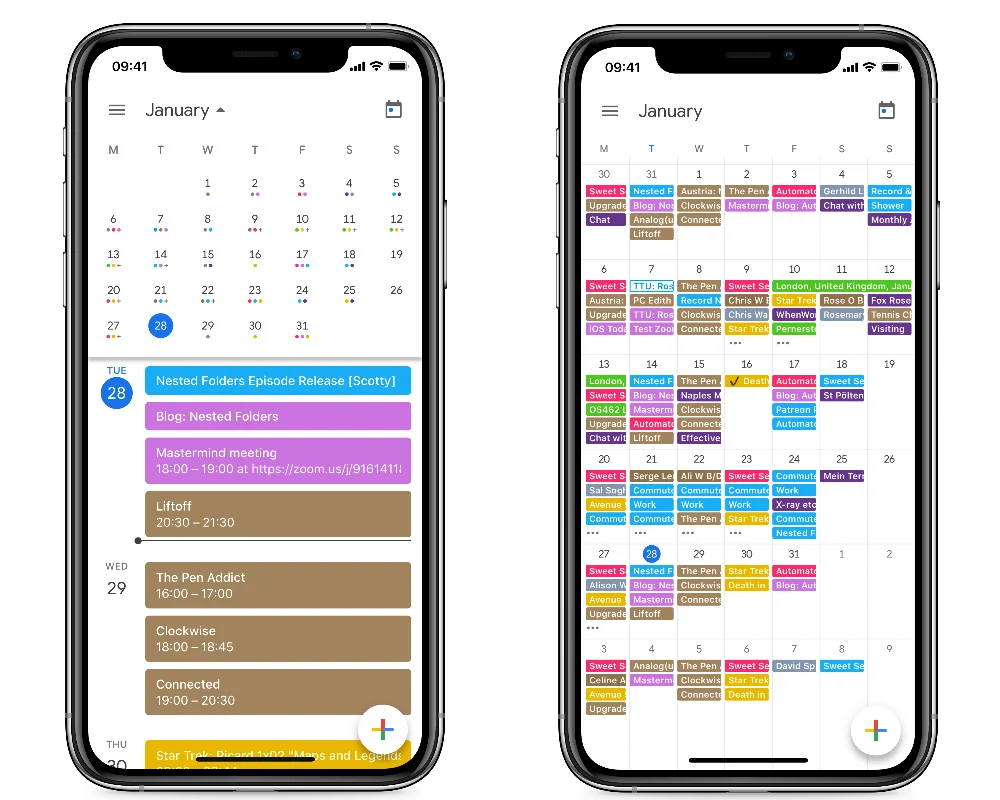
The scam works by sending fake calendar invitations directly to a user’s device. These entries may appear automatically in the calendar and can sometimes be difficult to remove, occasionally reappearing even after being deleted.
Apple lists “unwanted Calendar invitations and subscriptions” as a potential sign of phishing.

The invitations often contain alarming messages designed to grab attention, such as warnings about an impending payment or claims that your phone’s security has been compromised. They may also include links or ask users to call a phone number.
According to Newsweek, these spam alerts typically don’t require users to install any app. Instead, they can appear directly in a person’s calendar and iOS notifications, bypassing the review process of the App Store.
This makes the method particularly deceptive.
Once the invitations appear, scammers rely on panic or curiosity to prompt victims to click a link or call the number included in the event.
From there, they may attempt to steal banking details, pressure users into buying overpriced products, or convince them to install software that could give attackers access to personal accounts.
Whatever tactic they use, the ultimate goal is usually the same, getting money or sensitive information. If you receive one of these invitations, it’s safest not to click the link or call the number.
How can you spot an iPhone calendar scam?
Unexpected calendar invites are a major warning sign, especially if they contain alarming language, unfamiliar phone numbers or suspicious links.
Apple advises users to treat any unexpected request for personal information with caution.
“If you’re suspicious about an unexpected message, call or request for personal information, such as your email address, phone number, password, security code or money, it’s safer to assume it could be a scam and contact the company directly,” the company says.
How can you remove scam calendar invites?
For users with recent versions of the iOS (14.6 or later), Apple recommends the following steps:
-
Open the Calendar app.
-
Tap the unwanted event.
-
Scroll to the bottom and select “Unsubscribe from this Calendar.”
-
Tap Unsubscribe again to confirm.
For devices running older versions of iOS:
-
Open the Calendar app.
-
Tap Calendars at the bottom of the screen.
-
Tap the More Info button next to any calendar you don’t recognise.
-
Scroll down and select Delete Calendar.
If the unwanted entries still appear, you can also remove them through your settings:
-
Open Settings.
-
Tap Calendar > Accounts.
-
On iOS 13, select Passwords & Accounts > Accounts.
-
-
Tap Subscribed Calendars.
-
Select any unfamiliar calendar and tap Delete Account.