

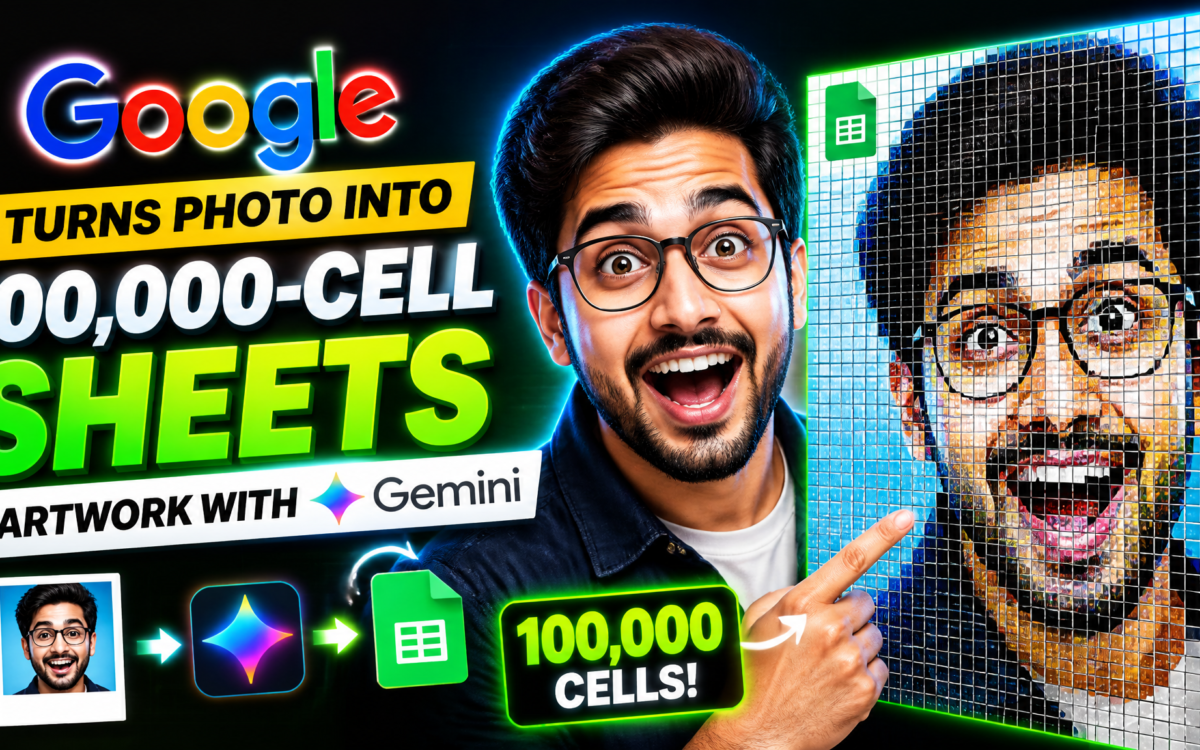
Google says Gemini 4 Neon and Antigravity turned a photo into a 100,000-cell Google Sheet using formulas, without embedded images or Apps Script.
Google says Gemini 4 Neon and its Antigravity agent swarm turned a photo into a Google Sheet with 100,000 cells. The company says the grid uses more than 500,000 formulas, with no embedded image or Apps Script. It is a technical demo, not a new built-in Sheets feature.
“Using /swarm in @antigravity, Gemini 4 Neon turned one photo into a 100,000-cell grid with zero embedded images and zero Apps Script — using native formulas for edge detection, 3D depth shading, and six lighting modes.” — Google, X post
## How Google’s spreadsheet demo works
Google describes a workflow that starts with one image and produces a large, formula-driven grid in Sheets. Its announcement says the grid uses more than 500,000 live formulas, despite containing 100,000 cells. The formulas support visual effects such as edges, depth and adjustable lighting.
That distinction matters because the number of formulas is not the same as the number of cells. A single cell can contain a formula, and a sheet can use many formulas to calculate values across a grid. Google’s post presents the formulas as the mechanism behind the changing visual treatment, rather than an image placed inside the spreadsheet.
Google also says the result was made without Apps Script, the coding environment used to automate Google Workspace products. It describes the sheet as using ordinary spreadsheet formulas instead. The post does not provide a downloadable template or a detailed, step-by-step guide to rebuild the exact result.
## What Antigravity’s /swarm command does
The demonstration used /swarm in Google Antigravity, Google’s agent-based development environment. Google’s documentation says the command creates a coordinator and multiple named agents. They divide a task into separate pieces, work in parallel and share updates on a common board.
This setup is different from asking one chatbot for a formula. A coordinating agent can split a complex project into subtasks and bring the results together. The spreadsheet demo illustrates how Google says that coordinated approach can produce an artifact across many cells.
Google’s official announcement does not reveal every prompt, agent assignment or formula used to make the sheet. It also does not show an independent technical assessment of the finished workbook. The public video and post are evidence of Google’s demonstration, but not a repeatable test of how the workflow performs on other images.
## What the visual effects mean
Edge detection identifies boundaries between areas in an image, such as the outline of an object against its background. Depth shading adds a sense of shape or distance to a flat picture. Lighting modes change how the resulting scene appears, according to Google’s description of the demo.
Together, those techniques suggest the sheet does more than display a static picture. The formulas calculate visual properties that can be adjusted, while the grid provides a structure for showing the result. Google says users can switch among six lighting modes, although the post does not explain the precise mathematics behind each effect.
The post also says the sheet has no embedded images. That is notable because many spreadsheet-based visual demonstrations simply place a picture over a cell grid. Google instead presents this example as formula-generated, but users would need access to the workbook to inspect how every cell and formula contributes.
## A showcase, not a Sheets update
The post is best read as a demonstration of Gemini 4 Neon working through Antigravity, rather than a feature being added to Google Sheets for all users. Gemini 4 Neon is available in Antigravity to paid Google AI Pro and Ultra subscribers, according to Google’s model announcement. The broader Antigravity tooling and access requirements also apply.
That means most spreadsheet users cannot expect a new menu option that converts any image into this effect. The process involves an AI coding platform, agent coordination and a complex generated workbook. Google has not announced that it will package the demo as a one-click Sheets tool.
Ultimately, Google’s example shows how AI agents can generate elaborate spreadsheet artifacts from a visual prompt. The company claims the sheet uses 100,000 cells and more than 500,000 formulas without embedded images or Apps Script. Whether that workflow is useful beyond a striking demo will depend on reproducibility, performance and how easily others can inspect and adapt the workbook.