


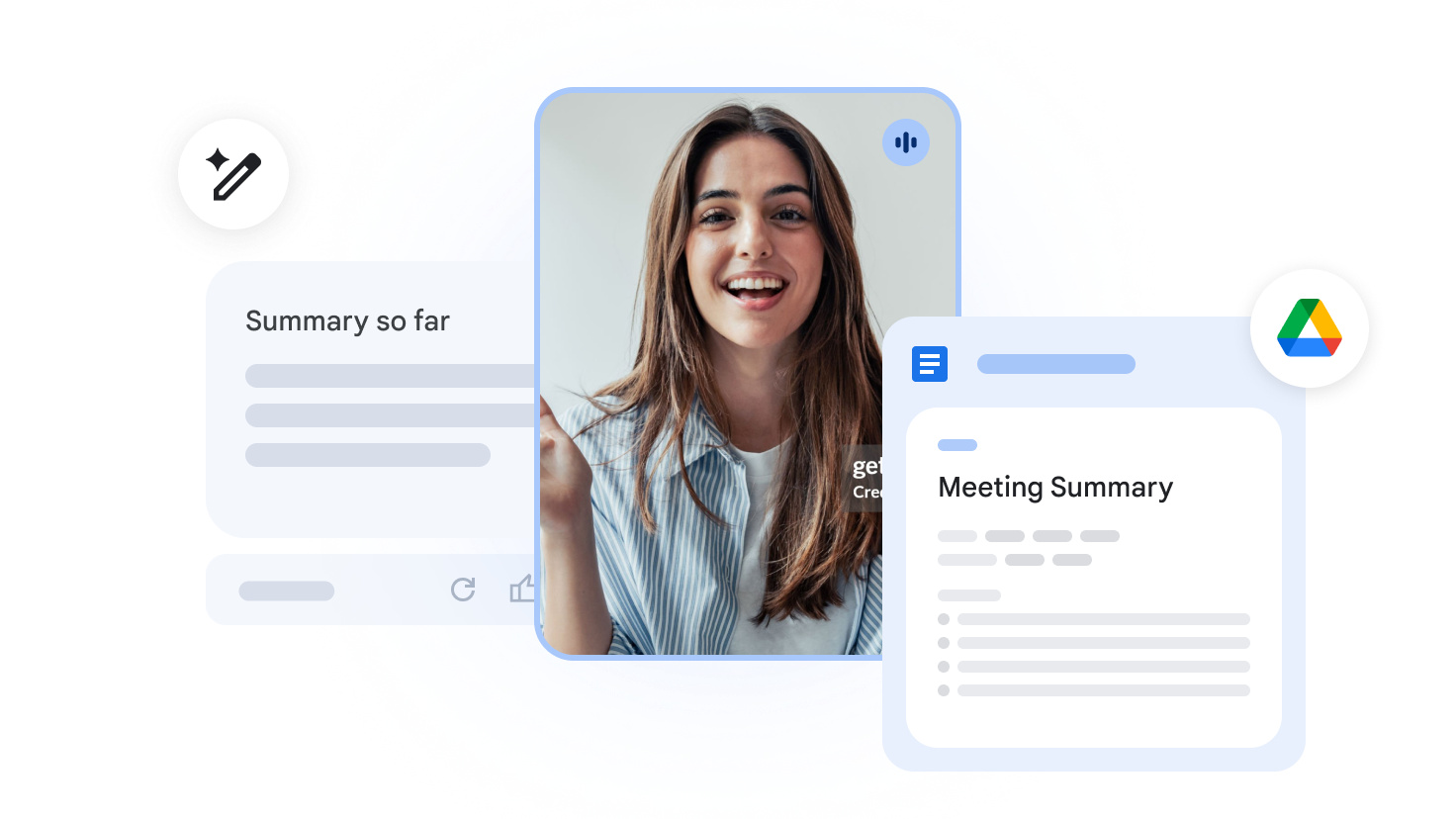
Google Meet’s Gemini AI can now take notes for in-person meetings. Learn how this new update helps teams capture every detail of their office discussions easily.
Google recently launched a major update for its Google Meet platform to help office workers stay organized. This new feature allows the Gemini AI to take notes during in-person meetings held in physical rooms. Previously, this powerful tool only worked for virtual video calls held through the internet. Because of this change, workers in physical offices can now benefit from automated summaries. We will explore the details of this rollout and how it changes the modern workplace.
Transforming In-Person Collaboration with Gemini AI
To begin, the “Take notes for me” feature uses advanced speech recognition technology to listen to live speech. Furthermore, it identifies different points of view and organizes them into a clear, professional structure. Also, it removes the need for one person to act as a dedicated scribe during the session. As a result, everyone in the room can participate fully in the brainstorming process without distractions. Specifically, the AI listens through a microphone on a laptop or mobile device used in companion mode. This means that the software bridges the gap between digital tools and physical office environments. This shows that Google is thinking about how to integrate its software with real-world interactions.
In addition, the setup process for in-person meetings is quite straightforward for most corporate users. First, you must bring a device into the meeting room and open the Google Meet app. Then, you select the companion mode option to connect to the meeting without causing loud audio feedback. Moreover, you simply click the Gemini icon to start the automated note-taking function immediately. Consequently, the AI will begin processing the audio from the room to create a live transcript. Ultimately, the system works best when the device is placed in the center of the conference table. This ensures that the microphones can pick up every voice clearly for the best possible summary.

Productivity Benefits of Automated Meeting Summaries
Moreover, automated note-taking saves significant time for busy professionals every single day. Following this, the summary provides a quick way to review action items shortly after a talk ends. Besides that, it helps team members who were absent stay informed about every important decision made. Consequently, projects can move forward much faster without waiting for manual notes to be typed and shared. However, the accuracy of the transcription depends heavily on the quality of the room’s acoustics. In other words, a quiet room will produce much better results than a noisy or crowded space. This means that users should plan their meeting environments carefully to get the most accurate notes.
Furthermore, these summaries include a list of follow-up tasks that the AI identifies automatically during the talk. Also, the final document is shared with all invited participants via their Google Calendar event. This shows that the software is getting better at understanding the context of professional human speech. In addition, users can edit the generated summary if they notice any small errors in the text later. That is to say, the human user still has final control over the record of the meeting. Therefore, the technology acts as a helpful assistant rather than a total replacement for human oversight. This shows that Google wants to make Gemini a central part of every office interaction.
Security and Subscription Requirements for Corporate Teams
Nevertheless, many companies have questions about how AI is handling their private data. To put it simply, Google states that it keeps all meeting data secure within the Workspace environment. Therefore, the recordings and transcripts are not used to train public AI models without explicit permission. This shows that the company is prioritizing corporate privacy to win over large business clients. Additionally, administrators have full control over which users can access these powerful AI features in the office. Specifically, they can enable or disable the feature for different departments based on their needs. Overall, privacy remains a top concern for any business adopting new cloud technologies in the current year.
“AI should handle the busy work so people can focus on being creative and solving problems.” — Sundar Pichai, CEO of Google
On the other hand, this new capability is not available to every single user for free. Specifically, you must have a specific Google Workspace plan with a paid Gemini add-on enabled. This includes plans like Gemini Business, Gemini Enterprise, or the Gemini Education tiers for schools. Therefore, individual users with standard personal accounts cannot use the in-person note-taking feature at this time. Despite this, the investment often pays for itself by freeing up high-value employees from boring clerical work. In other words, a manager can spend more time leading their team and less time typing minutes. This shows that AI is a tool for empowerment rather than just a simple tech gadget.
In conclusion, the expansion of Google Meet’s AI capabilities marks a big step for workplace productivity. Ultimately, the goal is to make office life more efficient through the smart use of Gemini. Shortly after this launch, we expect to see more updates for other apps in the Workspace suite. The future of work clearly involves a heavy reliance on intelligent software assistants to handle daily tasks. We will continue to monitor how these tools evolve to help teams collaborate more effectively.